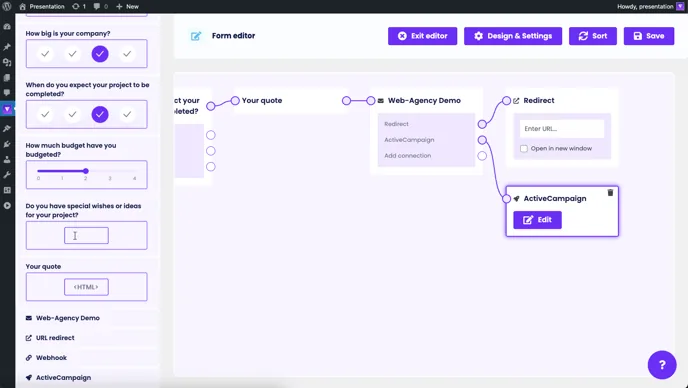
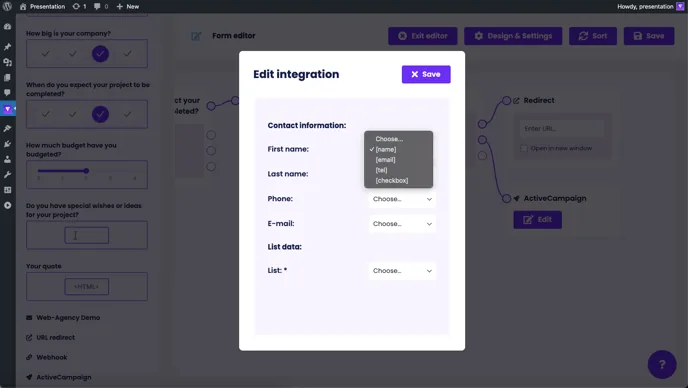
To connect Funnelforms with other tools, the first step is to set up the connection. To do this, go to the Integrations menu item and enter the data provided by the tool, such as the API key or other access data, in the corresponding field:
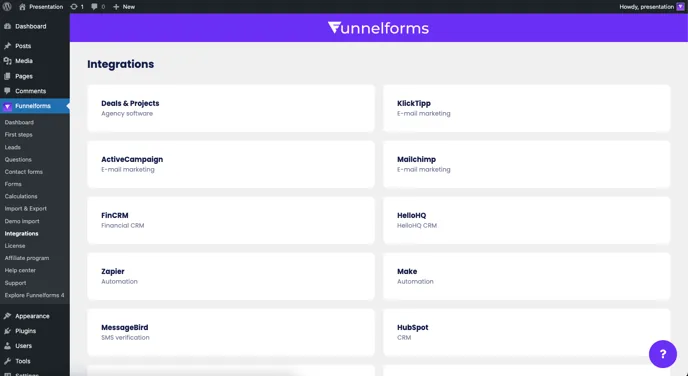
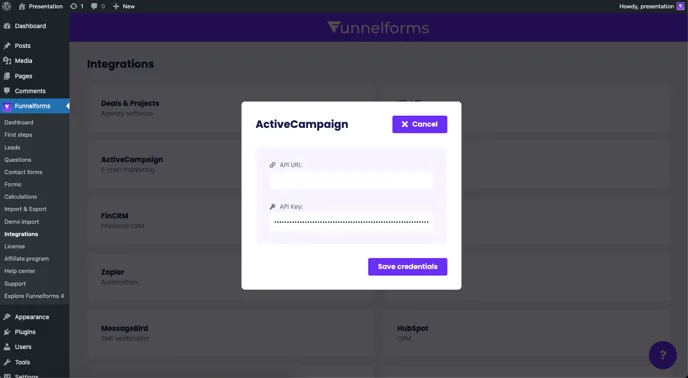
Click on “Save” to test the connection. You can then see and use the integration in the form builder in the left-hand sidebar.
Note: The integration linking process is basically the same for every provider and is always controlled by the access data or API keys of the respective provider.
An integration can only ever be inserted behind a contact form. Once you have dragged the integration into your form, you can make further settings and configure the connection. The data is then always transferred to this integration when the form is successfully sent. Multiple integrations are also no problem.