Find and fix logic issues systematically
When a lead doesn't land where they should, or a webhook isn't triggered, the cause is almost always one of four things: a condition that doesn't match, an edge that is missing or pointing wrong, a path that doesn't reach submit, or an action the receiving system rejects. This guide walks you through the diagnosis step by step.
Requirements
- Access to the form and the Logic tab.
- The ability to run a real test submission (e.g. via the preview URL).
Where to find it
Forms → [Form] → Logic for the path setup. Forms → [Form] → Responses to inspect the test lead.
Diagnosis flow
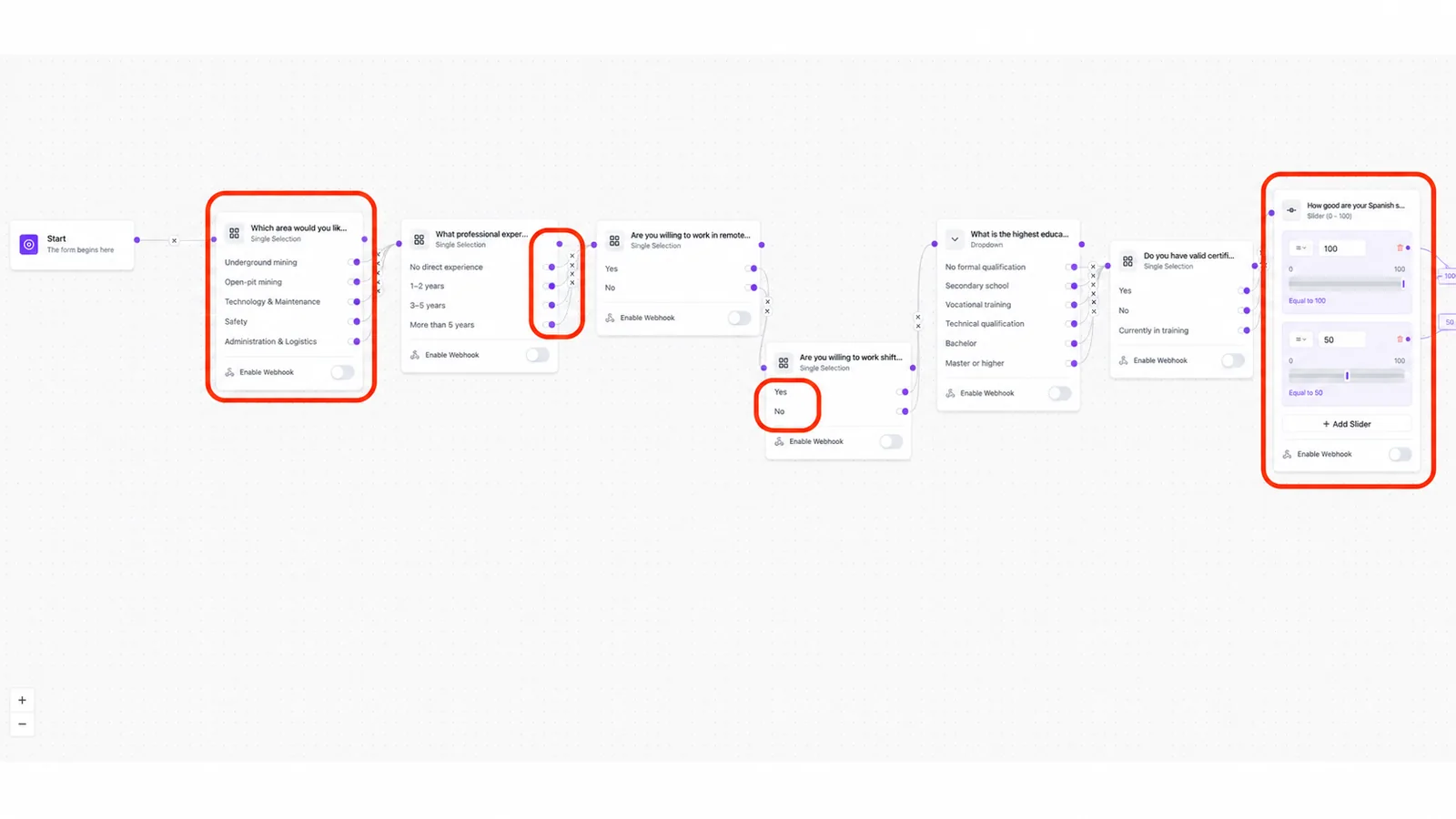
- Reproduce the issue with a test submission through the preview URL.
- Open the response under Responses and check which fields were filled — that tells you which path the lead actually took.
- Compare that path with your logic: where exactly does it diverge?
- Inspect the condition there: operator, reference value, the edge target.
- If the logic looks fine, check the action at the end (webhook URL, redirect URL).
Most common issues
Condition never matches
Causes: typo in the reference value, wrong operator, or a field type that stores the value differently than expected (e.g. multi-select stored as array vs. string).
Lead lands on the wrong field
Cause: several conditions match at once and the order decides. Move the more important condition up.
Path doesn't end at submit
Cause: an edge is missing between the path's last field and the submit node. The lead drops off.
Webhook doesn't go out
Cause: wrong URL, receiving system unreachable, or the path doesn't reach the action node at all. See Funnelforms Webhook.
Redirect doesn't fire
Cause: destination URL without https:// or not publicly reachable.
Best practices
- Build logic in small steps and test after every branch.
- Use the "Generate Logic" AI button only for the initial scaffold (nodes and default path). Review and adjust condition operators, reference values and branches manually in the editor afterwards.
Common pitfalls
- Changing a field does not auto-update older conditions referencing it — re-check conditions.
- The default path (default edge) is kept as a fallback and fires when no condition matches — it is not removed when you add a conditional edge.
- Enable debug mode to surface technical field and node IDs: in the browser run
localStorage.setItem('ff:debug_mode', '1')and reload. Makes it easier to match conditions to specific fields.
Tips
Note: For deep webhook diagnosis (payload contents, missing fields) the Funnelforms Webhook article is the better starting point.
FAQ
How do I see which path the lead took?
By looking at the filled fields in the response. Empty fields = not visited.
Can I test logic on the live form without producing real submissions?
Use the preview URL and mark test submissions clearly (e.g. with a recognisable test name/email).
When should I rebuild the logic from scratch?
Once more than three cascading conditions are interleaved and barely readable — clean paths save maintenance.